Become the person your camera roll never captured.
Train a private model on your selfies and generate studio-quality portraits for any occasion — no studio, no waiting.
Step 1
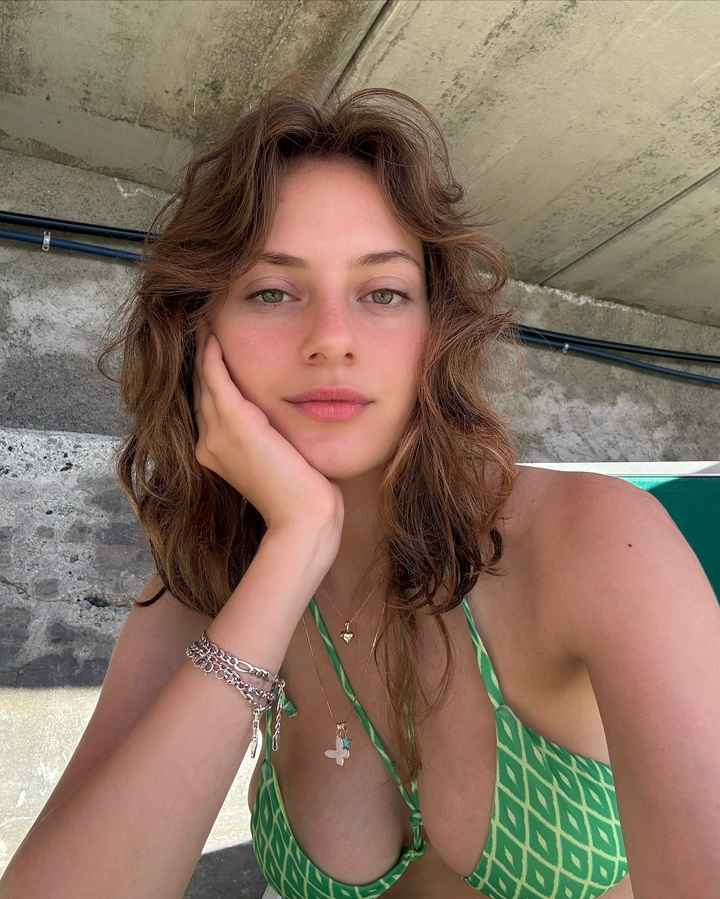
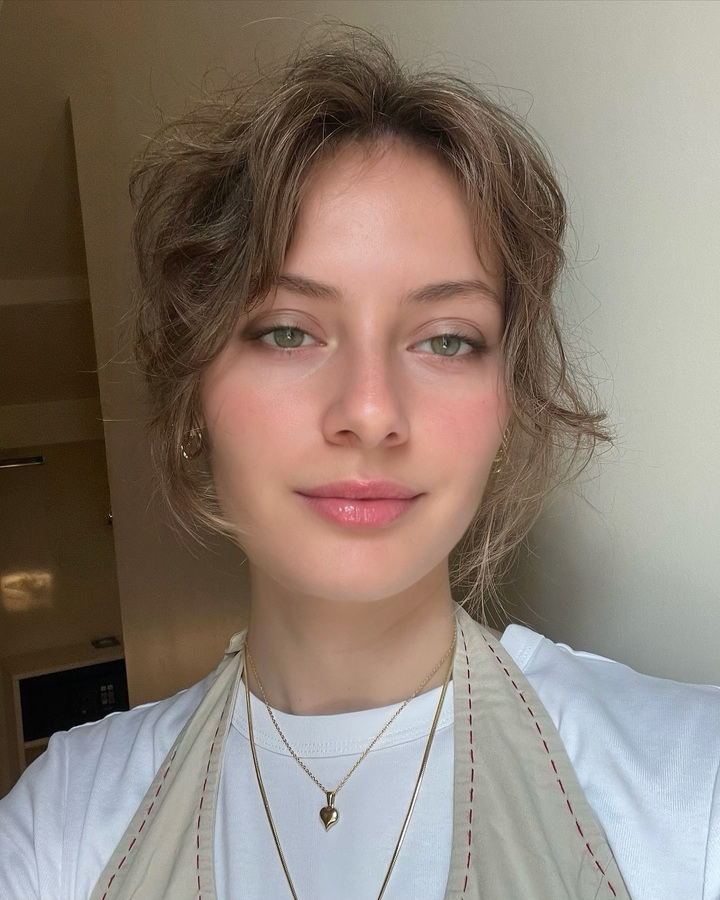
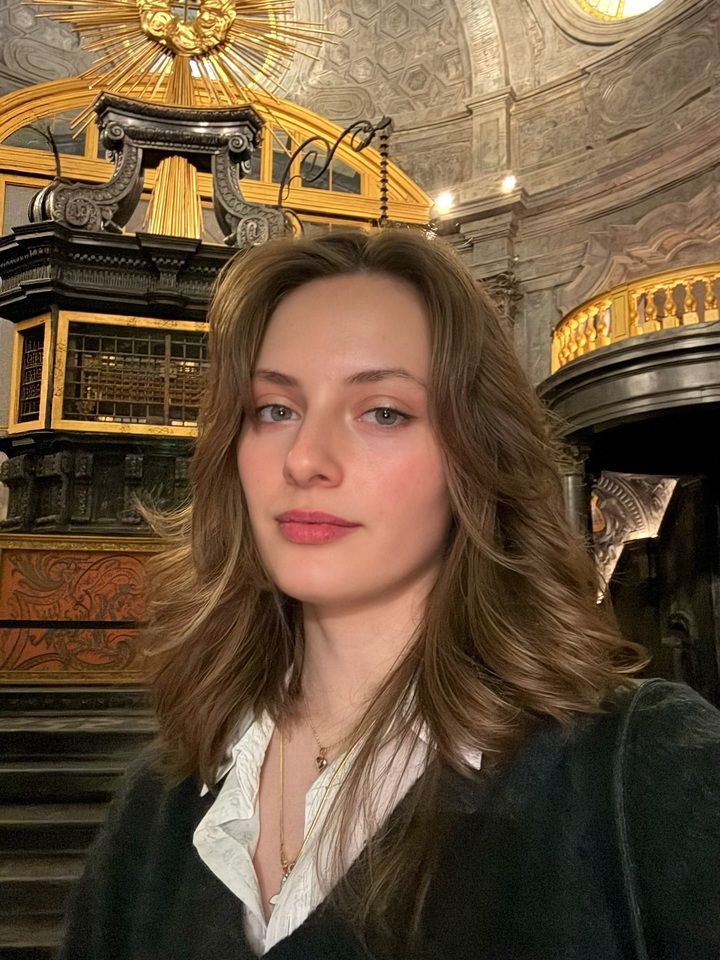
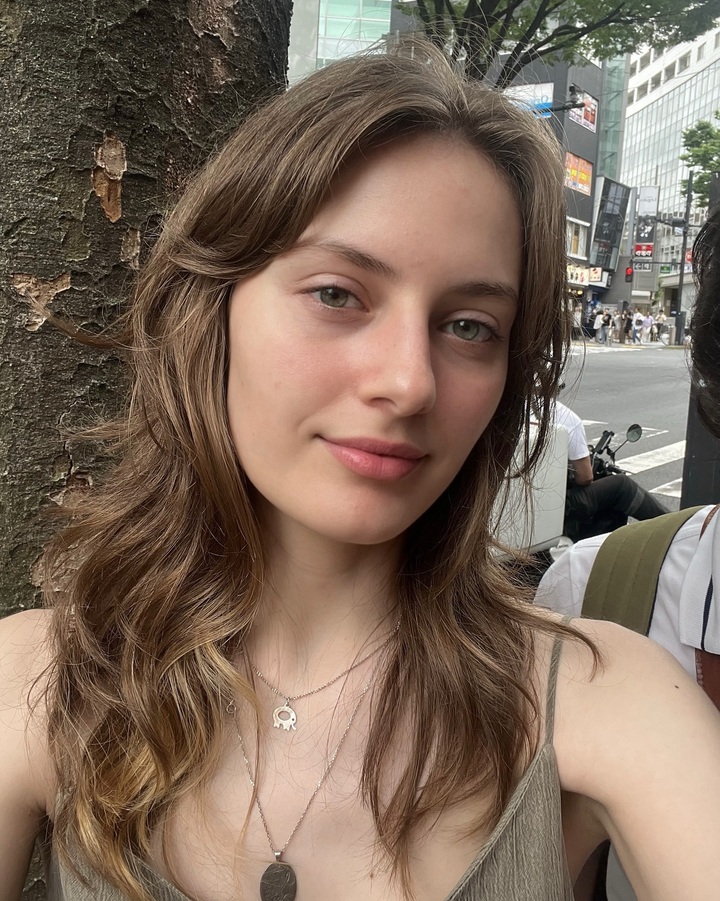
Upload a few photos
Step 2
Train a model on your face
Step 3
Download your AI photo
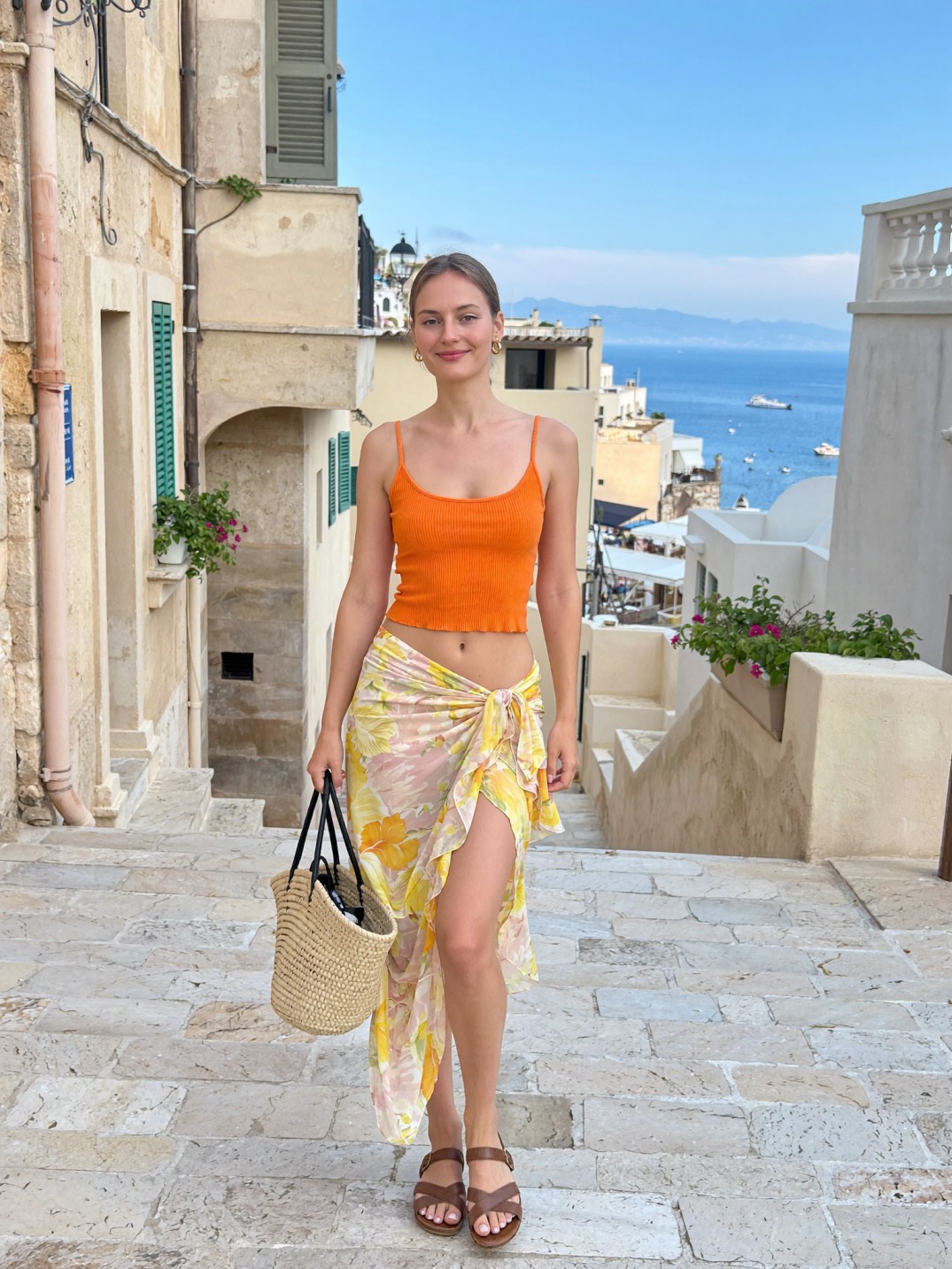 AI generated
How it works
Upload selfies
Add 10–20 clear photos from different angles and lighting. That is all the setup.
Train your model
Our AI learns your features in about five minutes, building a private model of your face.
Generate portraits
Describe any look — or drop a reference — and get striking, true-to-you images in seconds.
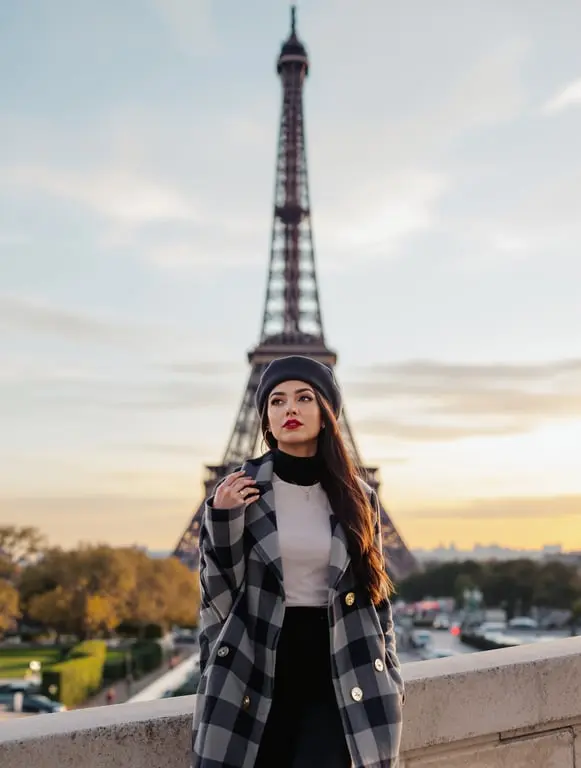
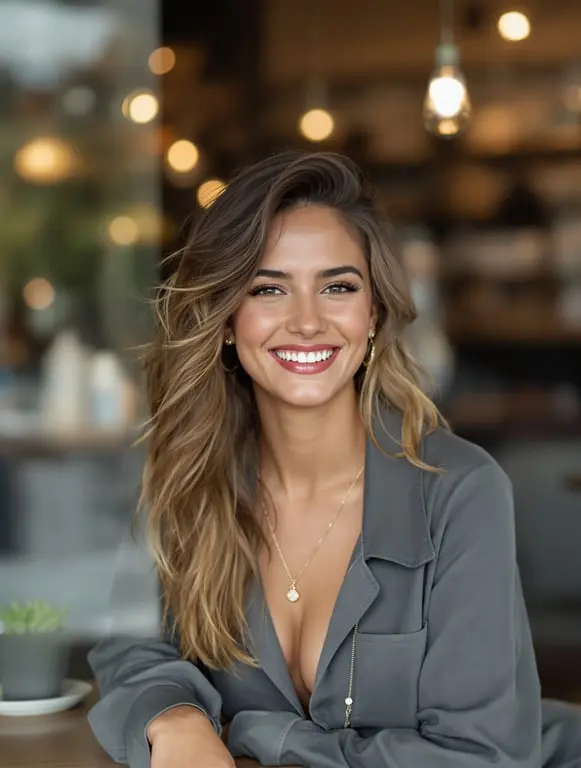
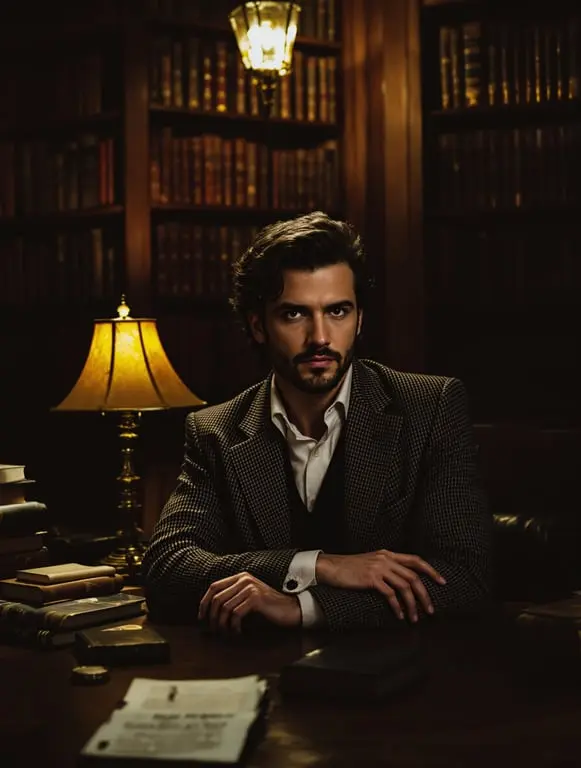
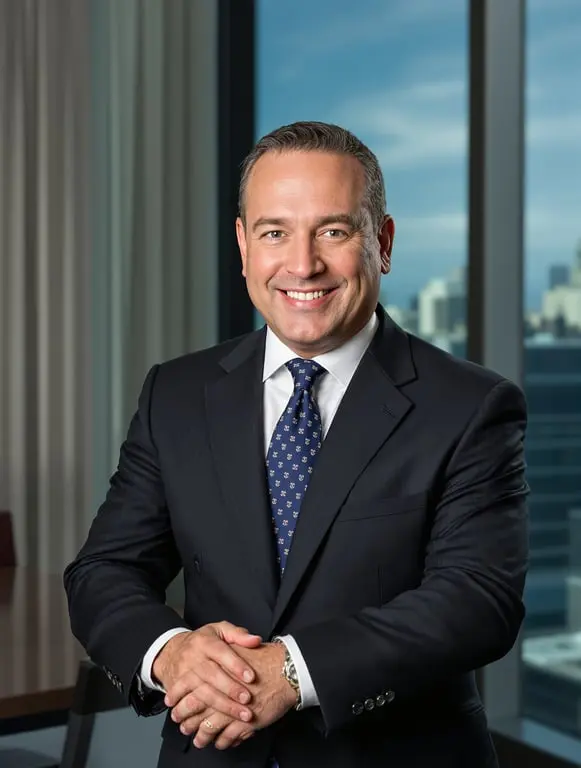
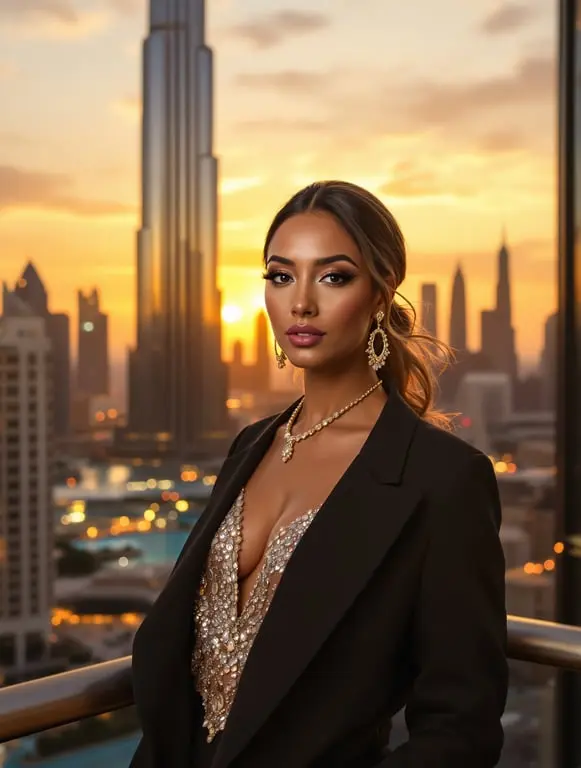
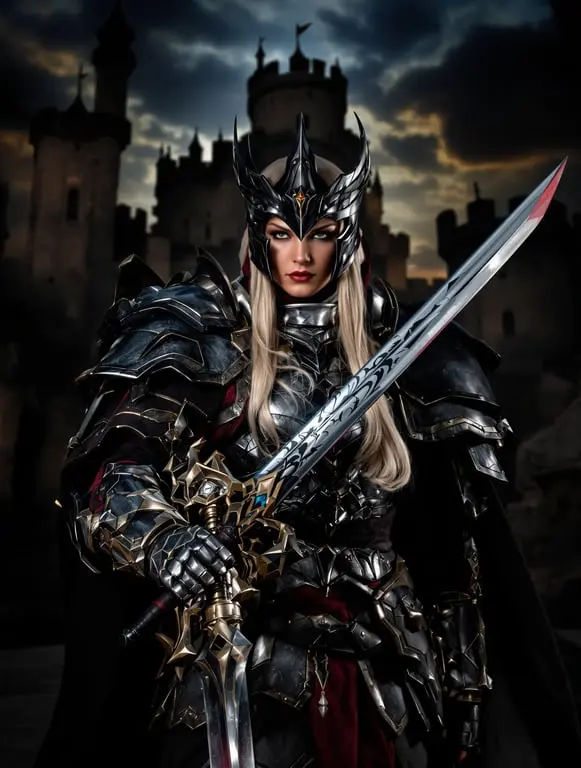
Make studio photoshoots great again
Experience the future of portraits with AI-powered, unlimited possibilities
PortraitAI
- Upload your selfies
- AI training (~5 minutes)
- Generate unlimited portraits in seconds
Total time: less than 1 hour to start
Cost: a fraction of a traditional shoot
Unlimited styles, outfits, and settings
Traditional photography
- Schedule appointment (1–2 week wait)
- Travel to the studio (30 min – 1 hour)
- Hair, makeup & styling (1 hour)
- Photo session (1–2 hours)
- Wait for edited photos (1–2 weeks)
Total time: 2–4 weeks
Cost: hundreds to thousands of dollars
Limited styles and outfits
Built for every occasion
Frequently asked questions
Everything you need to know before getting started
How many photos do I need to upload?
You need a minimum of 10 photos, but we recommend 20–40 for best results. Use clear, well-lit selfies from different angles and expressions.
How long does training take?
Training typically takes 3–5 minutes. You'll be notified as soon as your model is ready to generate portraits.
Will the AI portraits look like me?
Yes — the AI learns your facial features from your uploaded photos and applies them to every generated portrait. The more varied your training photos, the better the likeness.
What kind of prompts work best?
Describe the setting, lighting, outfit, and mood. For example: "Standing on a rooftop at sunset, wearing a navy suit, golden hour lighting, cinematic style." The more specific, the better.
Can I generate multiple images at once?
Yes, you can generate 1 or 4 images per request. Generating 4 at once is great for exploring different variations of the same prompt.
Are my photos and images private?
Yes. Your training photos are stored securely and are only used to train your personal model. Generated images are only visible to you.